 IPeeTV
Download The IPeeTV App
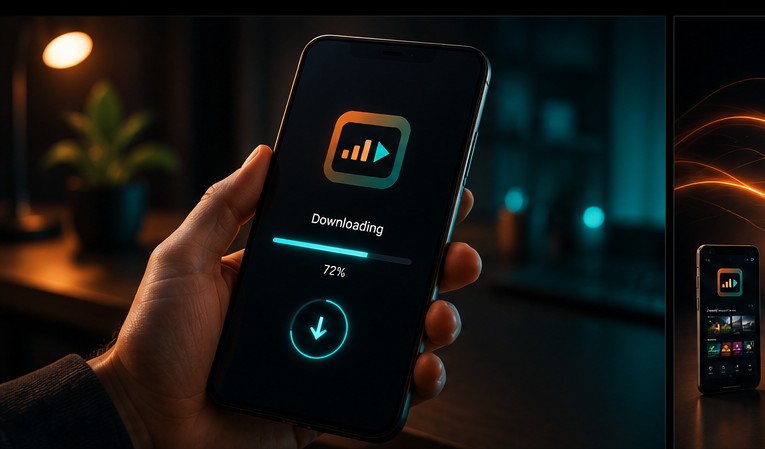
Pick a player below, note its Downloader Code, and enter that code in the Downloader app on your Firestick or Android device to install it in seconds.
Choose Your Player

BOB Player
Download APKIBO Player
Download APKIBO Player Pro New
Download APKKING4K Player
Download APKIBO Pro Player
Download APKIBO Pro
Download APKCR7 Appstore New
Check which CR7 Panel apps are currently published on Smart TV platforms.
Ask SupportIBOSS IPTV
Download APKIbosol Appstore New
Check which Ibosol Panel apps are currently published on Smart TV platforms.
Ask SupportIBO XPlayer
Download APKGetting Set Up Takes Three Steps
Subscribe to a plan
Choose your plan and device count on the pricing page and check out. You'll receive your Xtream Codes or M3U link by email.
Install a player from above
On Firestick or Android, open the Downloader app, enter the Downloader Code shown on your chosen player, and install it directly.
Enter your activation details
Paste your username, password, or M3U URL into the player and hit connect — your channel guide loads instantly.
App Not Loading Channels?
- 01 Confirm your subscription hasn't expired on the support page.
- 02 Double-check your Xtream Codes or M3U link was typed exactly as sent, with no extra spaces.
- 03 Restart your router — most buffering issues are local network congestion, not the service.
- 04 Try a different player from the list above if one particular app is misbehaving.
- 05 Still stuck? Check our service status guide or message support directly.
Need The Full Install Walkthrough?
Our device-by-device guide covers Firestick, Android, Google Pixel, and Smart TV setup in detail.
Open Install Guide